
Photo gallery: guide for guests
You get the gallery link from the organiser. Open it in your browser (Safari, Chrome). You don’t need an account to view or download photos.
Download all photos
On a computer
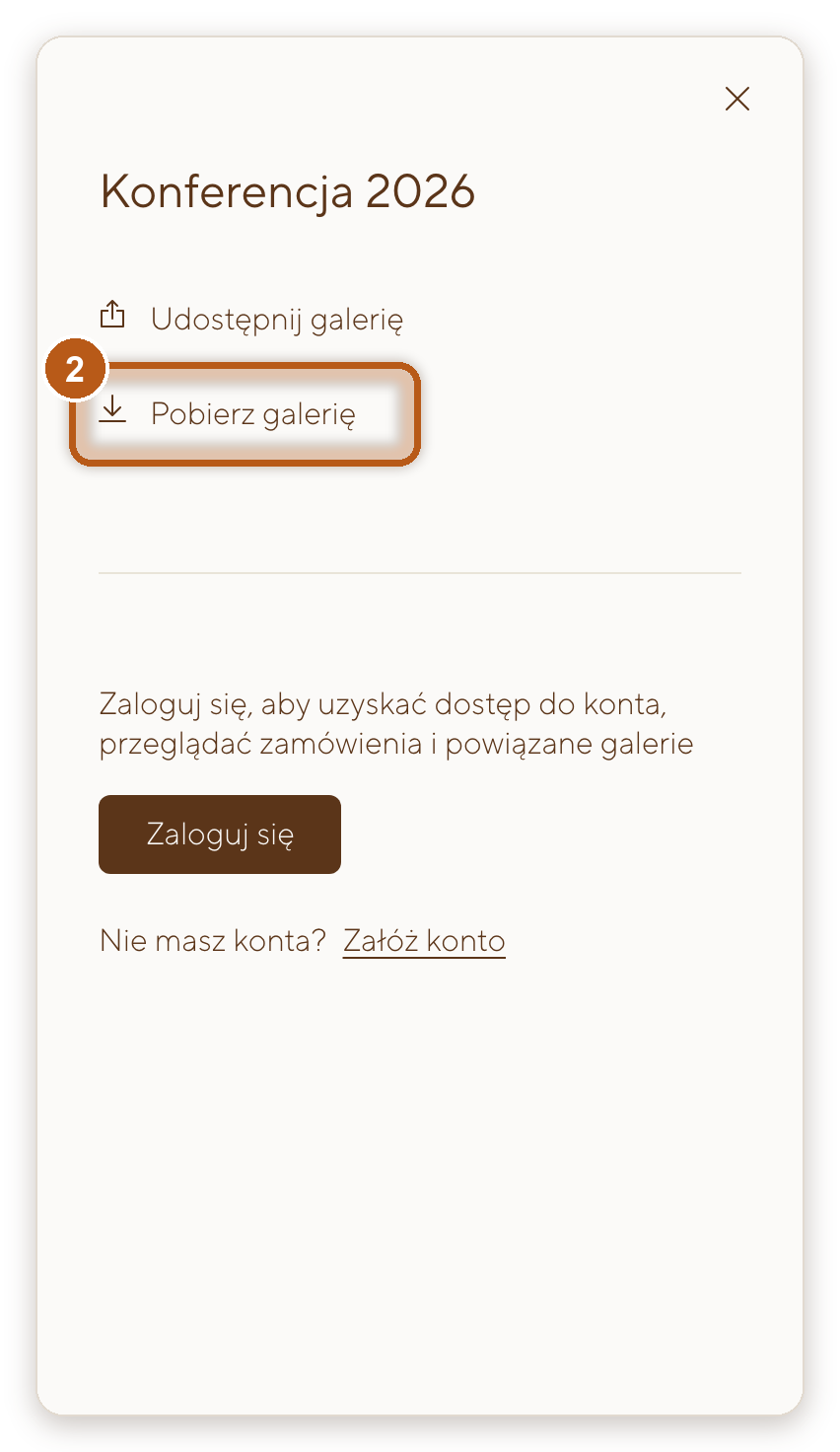
- Click the download icon (arrow pointing down) in the bar at the top of the gallery.
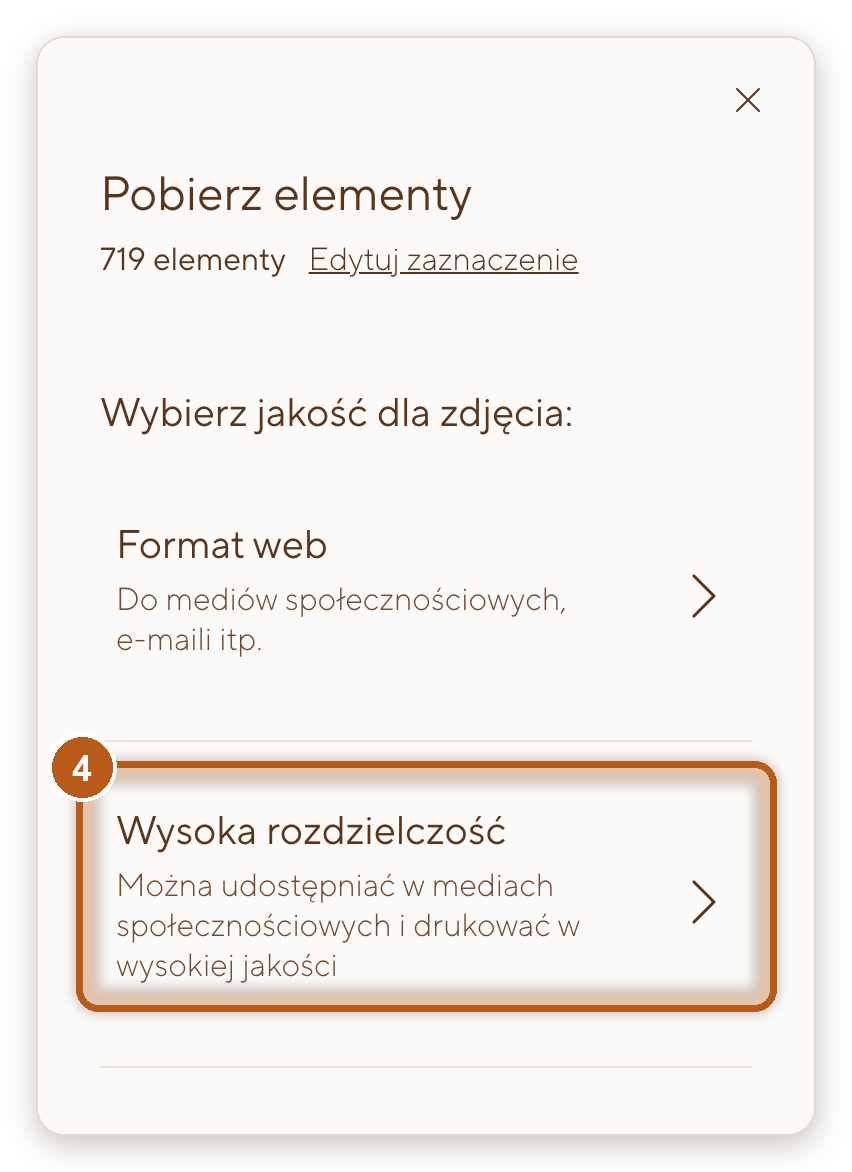
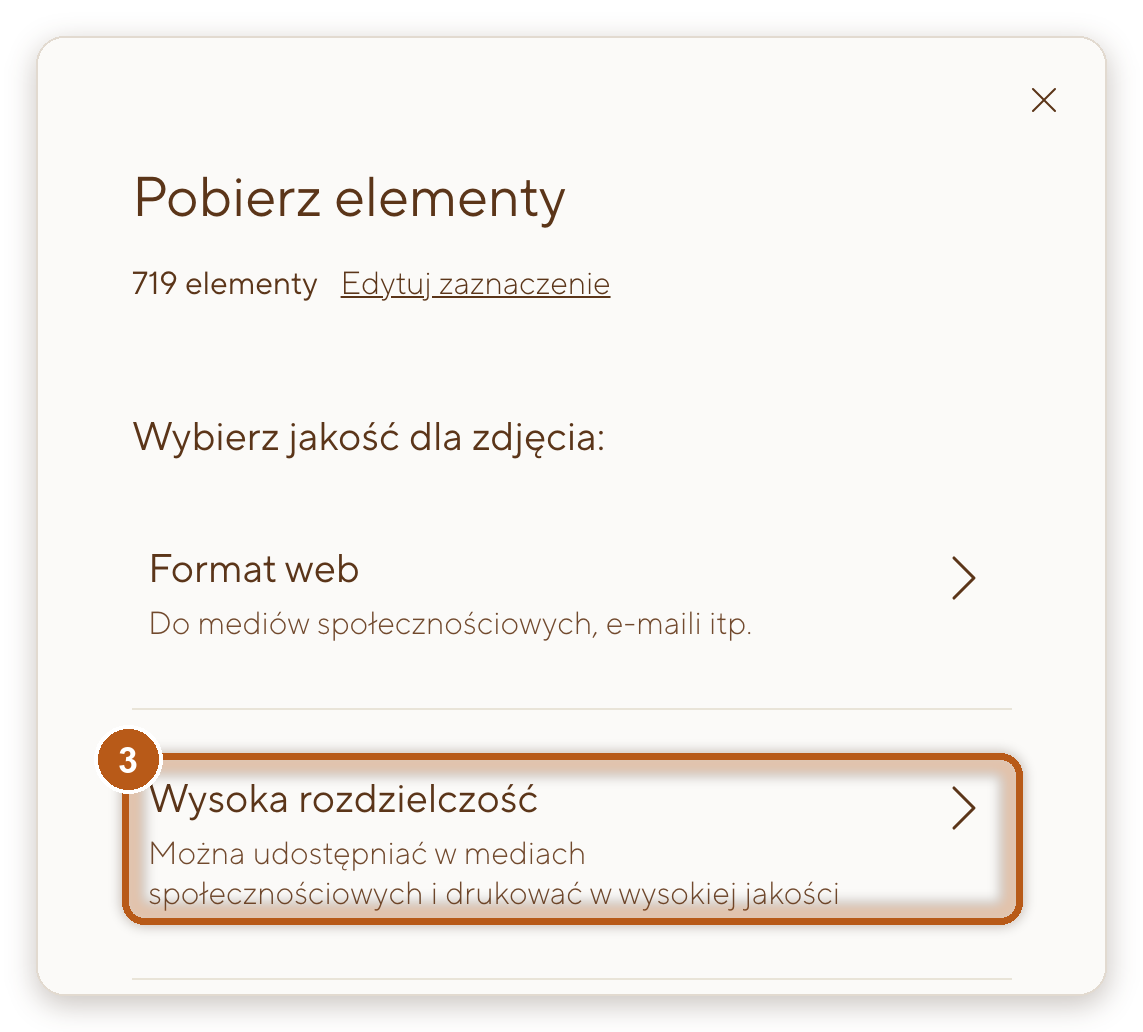
- Click Skip, then choose High-Res.
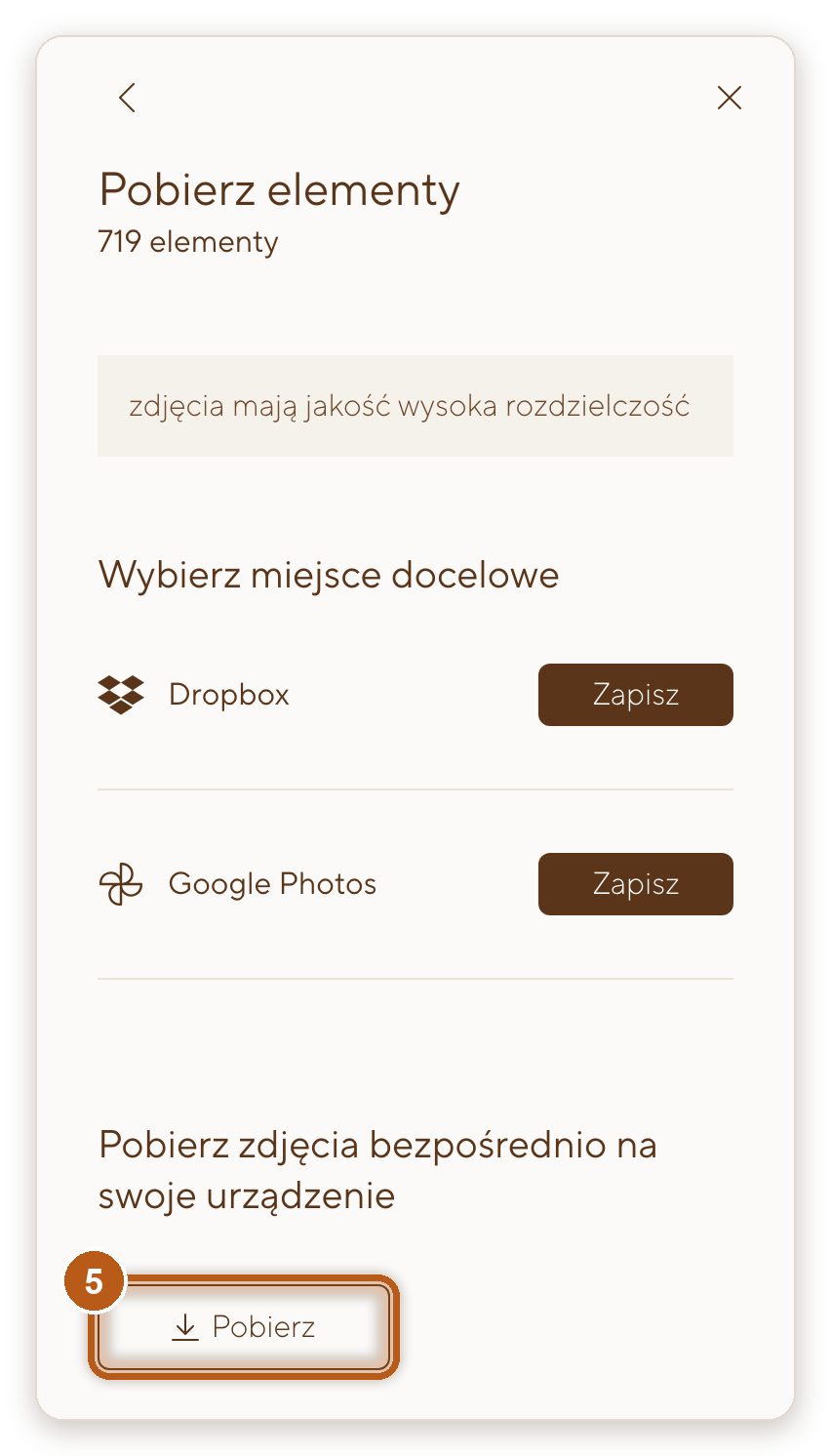
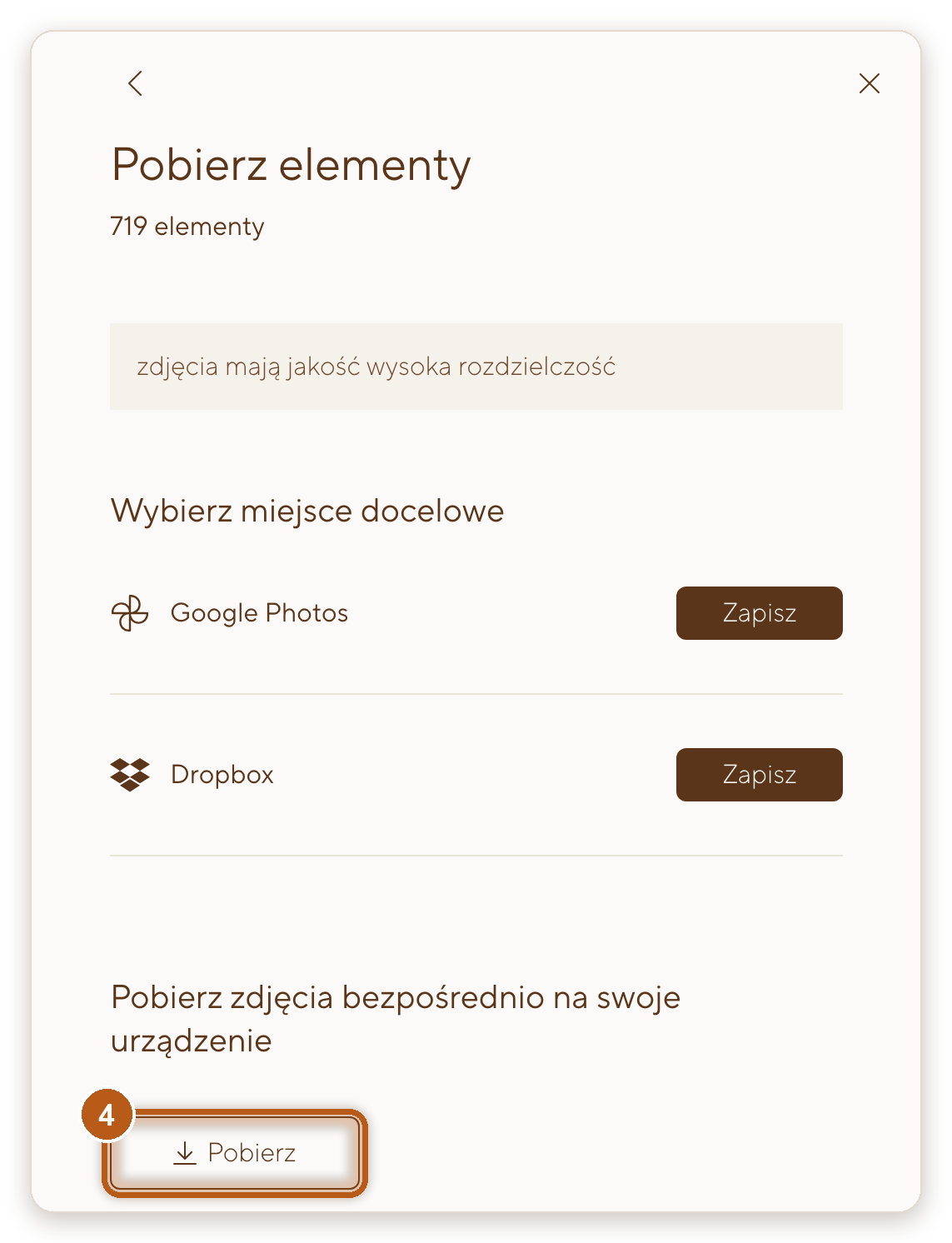
- Click Download.
On a phone
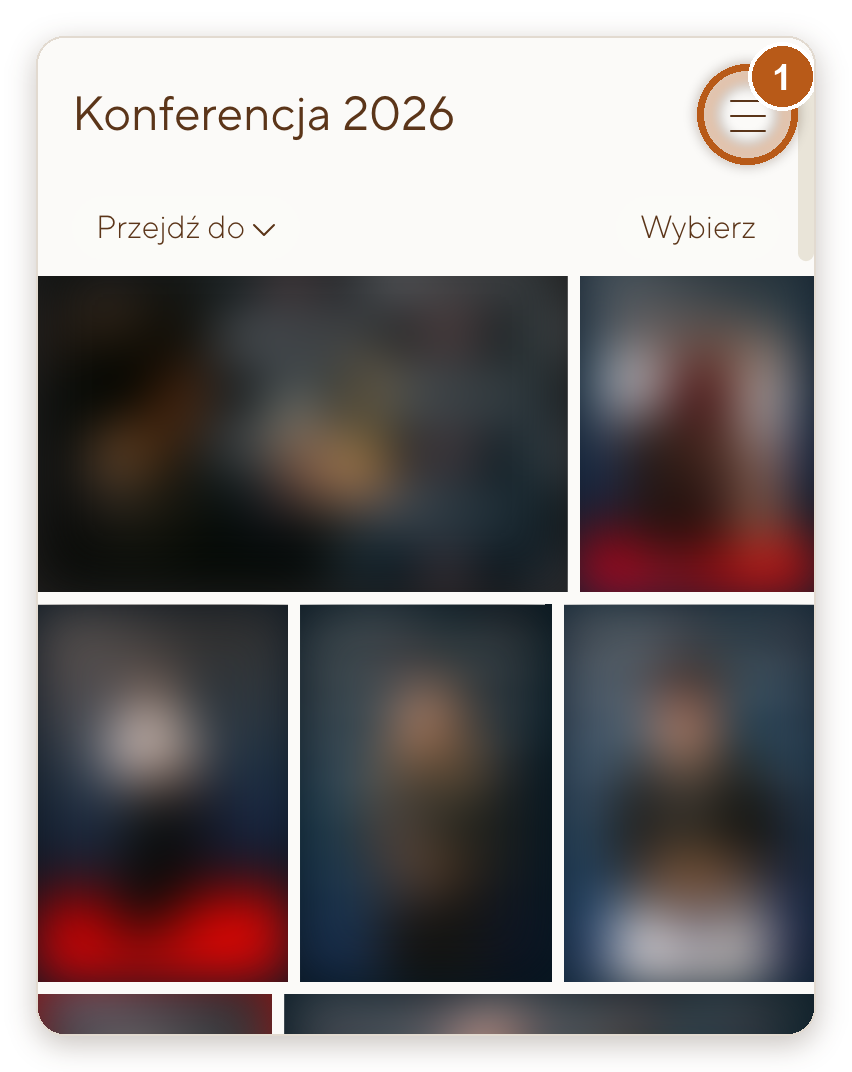
- Open the menu (three lines, top right) and choose to download the gallery.
- Tap Skip, then choose High-Res.
- Tap Download.
Download one photo
On a computer
- Open the photo full screen.
- Click the download icon in the top right corner.
- Click Skip if asked, choose a size and click Download.
On a phone
- Open the photo.
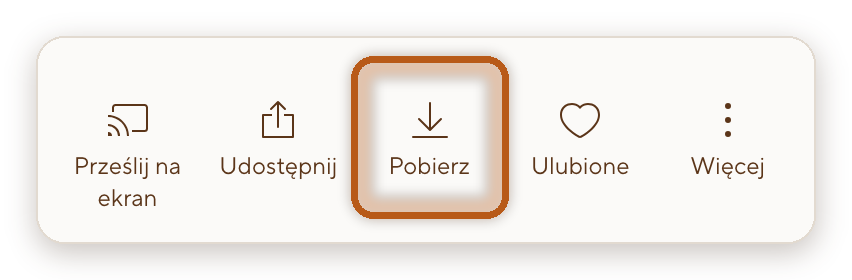
- Tap the download icon in the bottom bar.
- Tap Skip if asked, choose a size and tap Download.
Which size?
- High-Res: full files, maximum quality, for print.
- Web size: smaller files, long edge 2048 px, for the web and email.
Several photos or the whole gallery arrive as a ZIP file, one photo as a regular JPG file (on an iPhone straight to the Photos app).
In this guide:
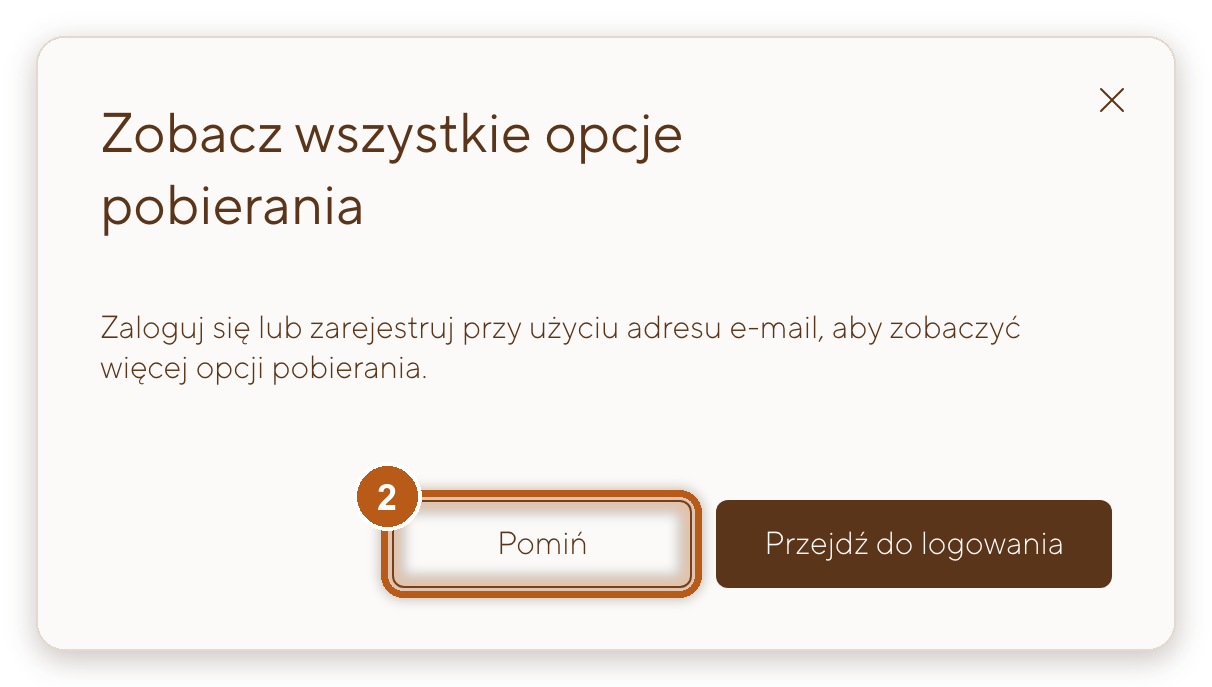
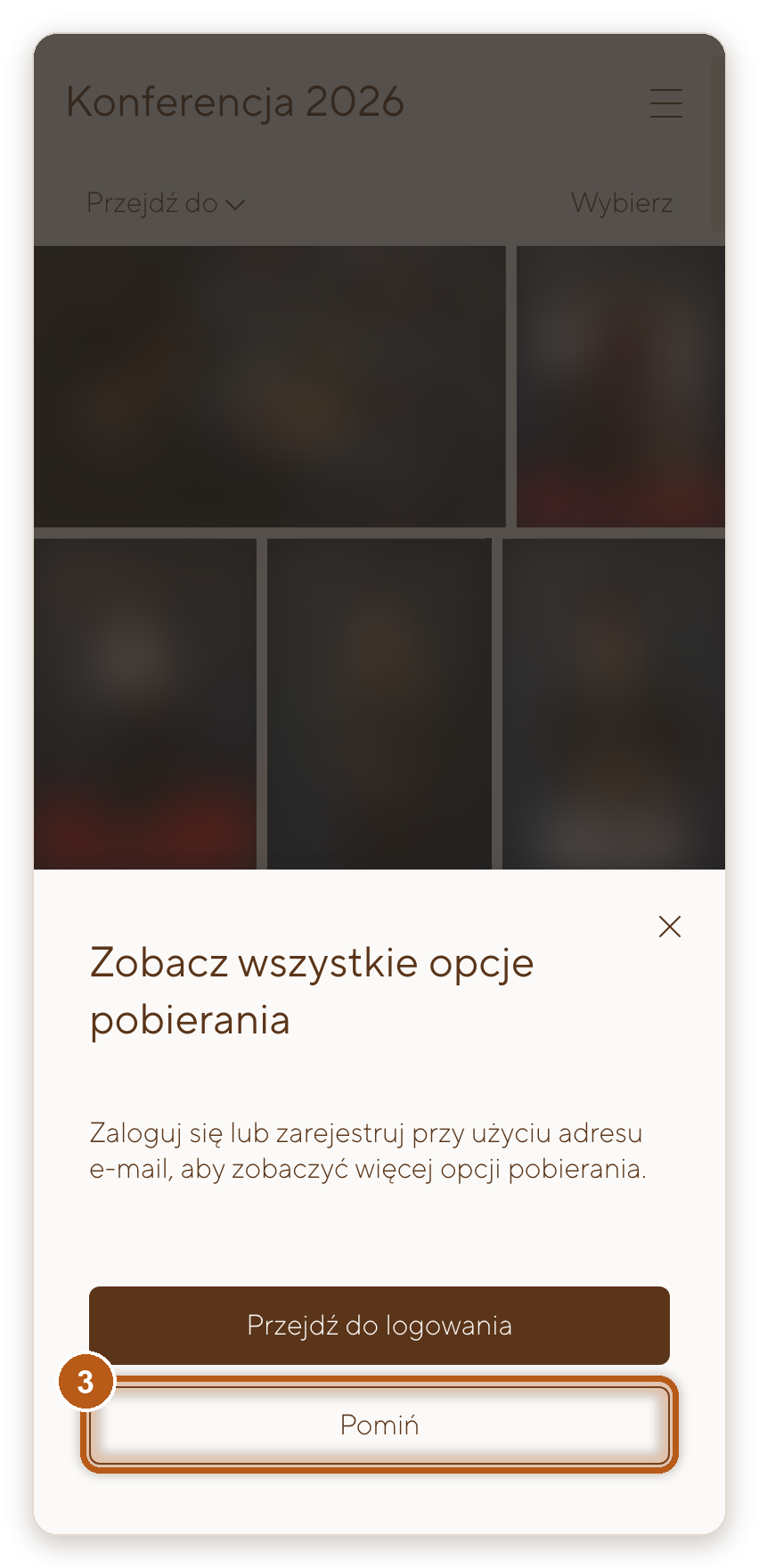
The gallery offers a sign-in? Click “Skip”
When you click the download icon (on a phone: download in the menu), the gallery shows a window inviting you to sign in to see all download options. You don’t need to sign in. Click Skip and choose a size: High-Res or Web size.
The same window appears when you share, and the phone menu shows a sign-in button. You don’t need to sign in to download or to share.
The gallery asks for your email? That’s not a sign-in
When you download a large gallery in full in High-Res, a window with an Email field may appear. The gallery needs a moment to package the files and offers to email you a link to the finished package. No account is created.
You have two options:
- enter your email address and the link arrives when the package is ready,
- or close the window and try again in 15 minutes or so. The gallery keeps packaging the files, and the finished package downloads straight away.
Smaller parts of the gallery and the Web size download without this window.
Downloading on your phone
- One photo: open the photo, tap the download icon in the bottom bar, tap Skip if asked, choose a size and tap Download. On an iPhone the photo goes straight to the Photos app.
- Several photos or all of them: tap Select and tick the photos, or use open the menu (three lines, top right) and choose to download the gallery to get everything. You’ll get a ZIP file. On an iPhone it’s in the Files app: tap it to unzip, then save the photos to Photos. On Android the file is in Downloads (on Samsung, in the My Files app).
- Easier in the app: you can also open the gallery in the free Pic-Time app (App Store, Google Play). Photos downloaded in the app go straight to your phone’s photo library.
The whole gallery in full resolution is a large file for a phone. If you have a computer, download the full set there and take single photos on your phone.
Downloading on a computer
Click the download icon in the top bar (whole gallery) or Select and tick the photos. Then Skip, choose a size and click Download. The ZIP file lands in your Downloads folder. Double-click to unzip it.

If something doesn’t work
- The gallery wants me to sign in to download. You don’t have to. Click Skip in the sign-in window (see “The gallery offers a sign-in?” above). If the organiser forwarded their invitation instead of a link, ask them for the guest link.
- The gallery asks for my email. That’s a link to the package, not a sign-in. Enter your address, or close the window and try again in 15 minutes or so.
- The ZIP file won’t download on my iPhone. The link most likely opened in the browser built into Instagram, Facebook or a messenger app. Copy the link from the original message and open it in Safari or Chrome, or use the Pic-Time app.
- The gallery won’t load on my phone. Same cause: open the link in Safari or Chrome and refresh the page. The Pic-Time app is another option.
- I can’t see the download icon. On a computer it’s the arrow pointing down in the top bar, next to Select. On a phone, downloading is in the menu (three lines, top right). If it isn’t there, write to me.
- The gallery has expired. After 60 days the gallery goes offline. The organiser can ask me to extend it. Once I do, it’s usually back within about 20 minutes.
- High-Res asks me to wait a few hours. Photos older than a year are kept in long-term storage and take time to restore. That’s normal, you don’t need to do anything again.
Still not working?
Email ko*****@*************ki.com with the name of the gallery.